 Worldlet
A world beyond the chat box
Most AI experiences still live in a tiny chat box. Using them means moving between apps and conversations, repeatedly leaving one place to get something done in another. That friction is what led me to build Worldlet.
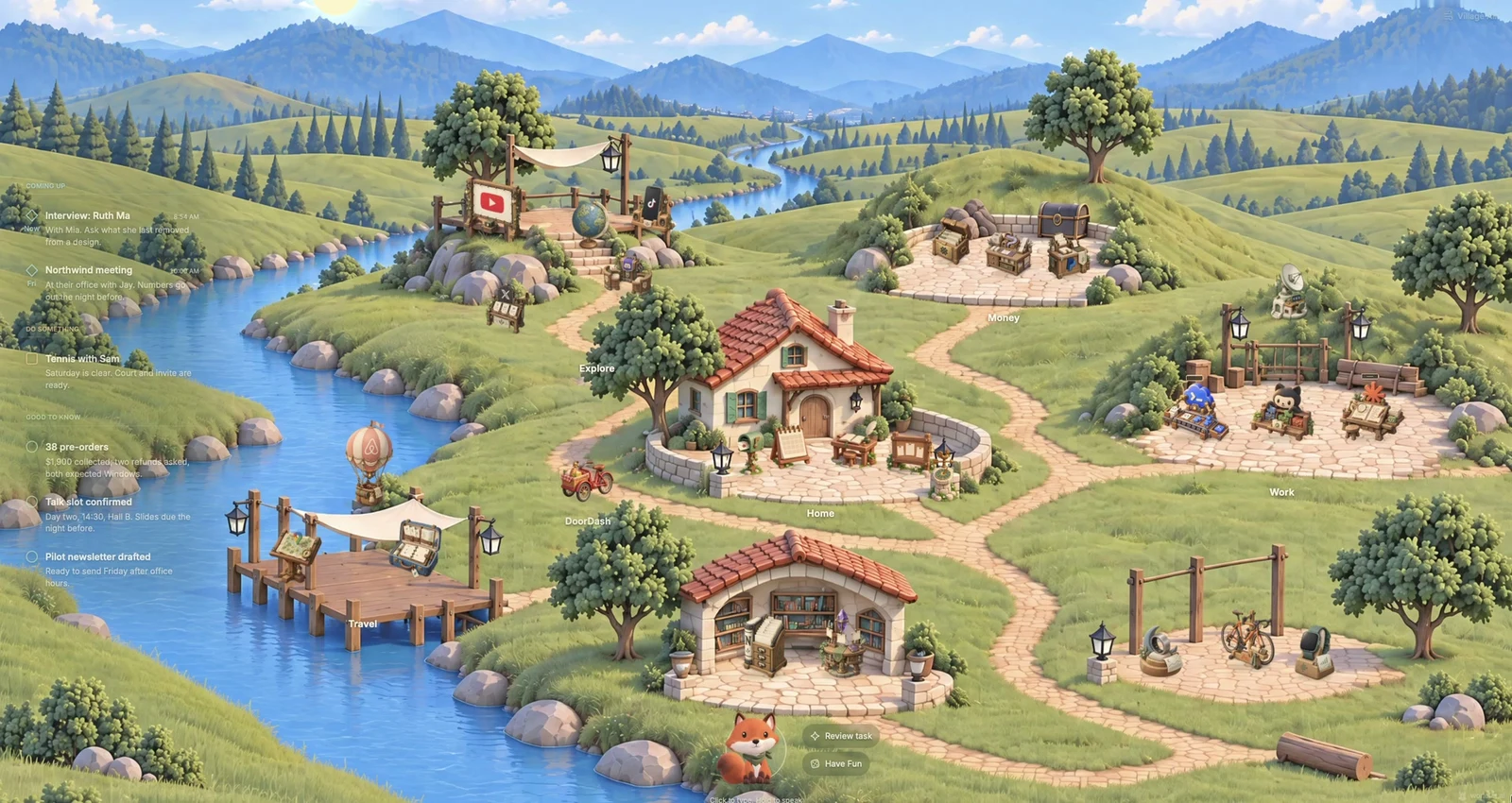
I spent seven days building a little digital world for my AI and myself. It has since become the only thing I use on my Mac: a place to check email and notes, work with GitHub, Codex, and Claude Code, and keep up with my finances and health.
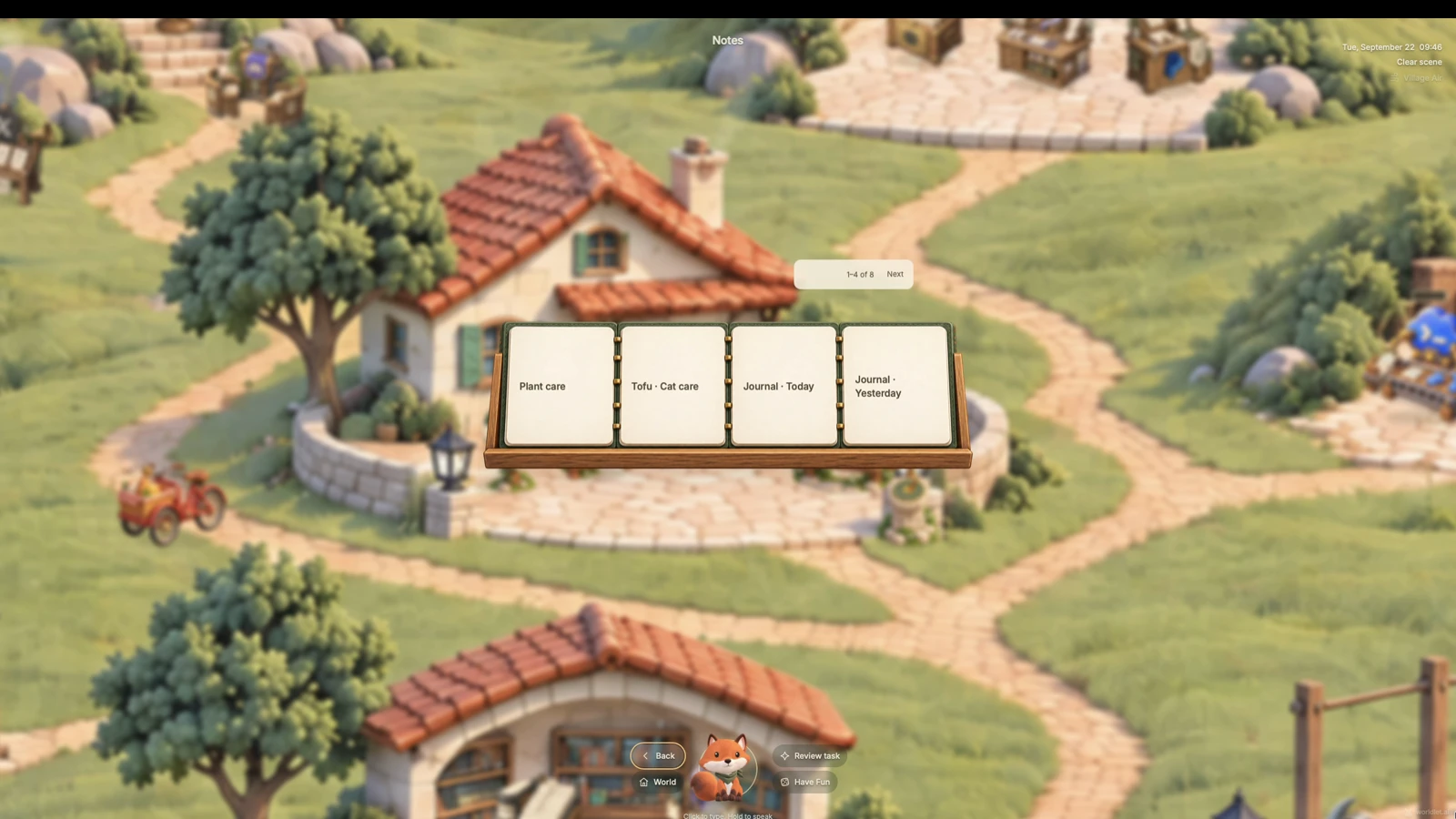
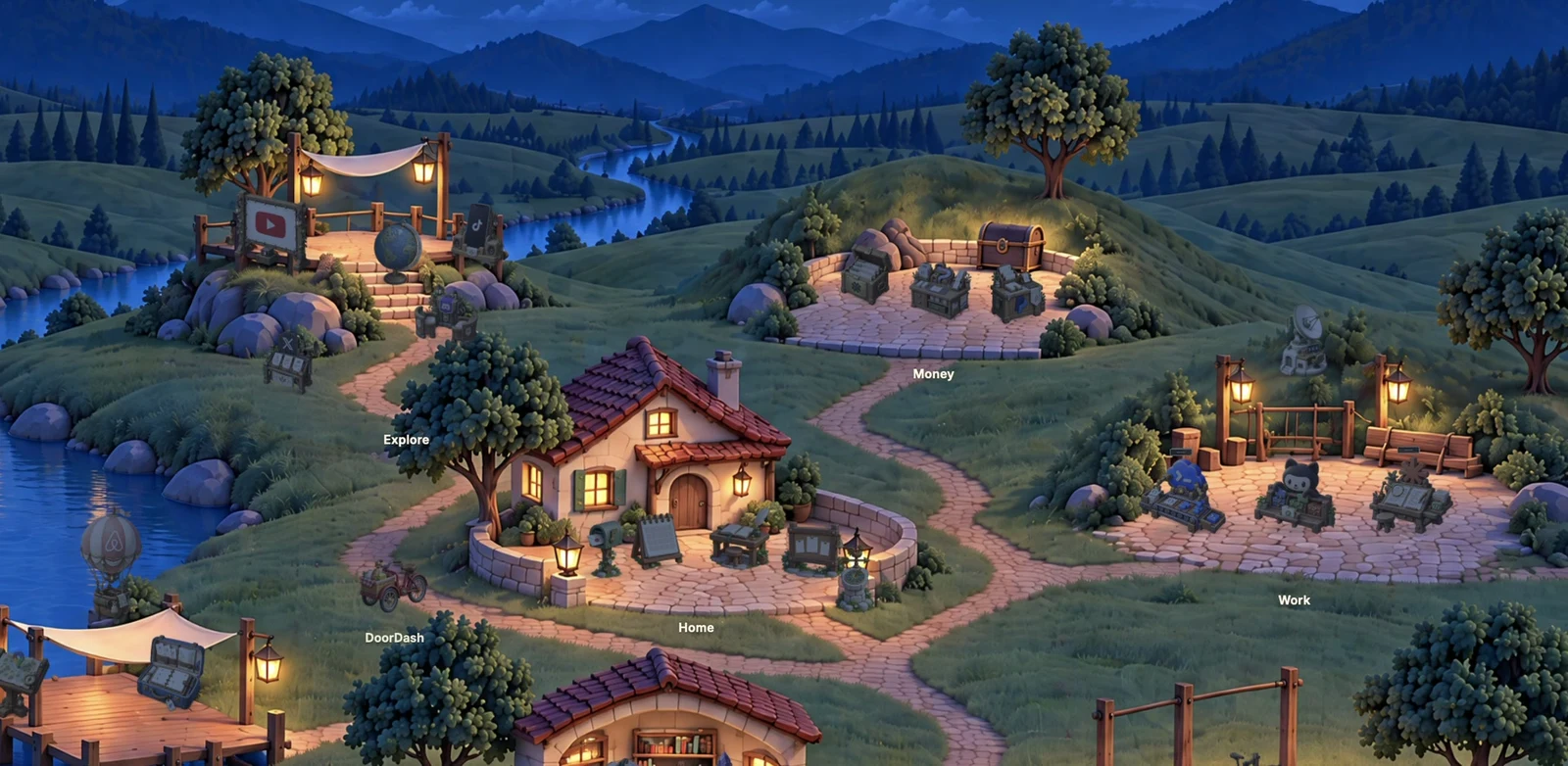
My old notes live in a small library. Travel has its own place, alongside YouTube, TikTok, and X. These are all parts of the same world, connected by a companion that lives there with me.
Worldlet brings that experience together through five ideas: Applets, a shared world, one companion, an Attention Center, and a more personal future for computing.
1. Applets
1.1 Living Gadgets
The floating gadgets in Worldlet are called Applets. They are built natively for the world, and your companion can use them directly.
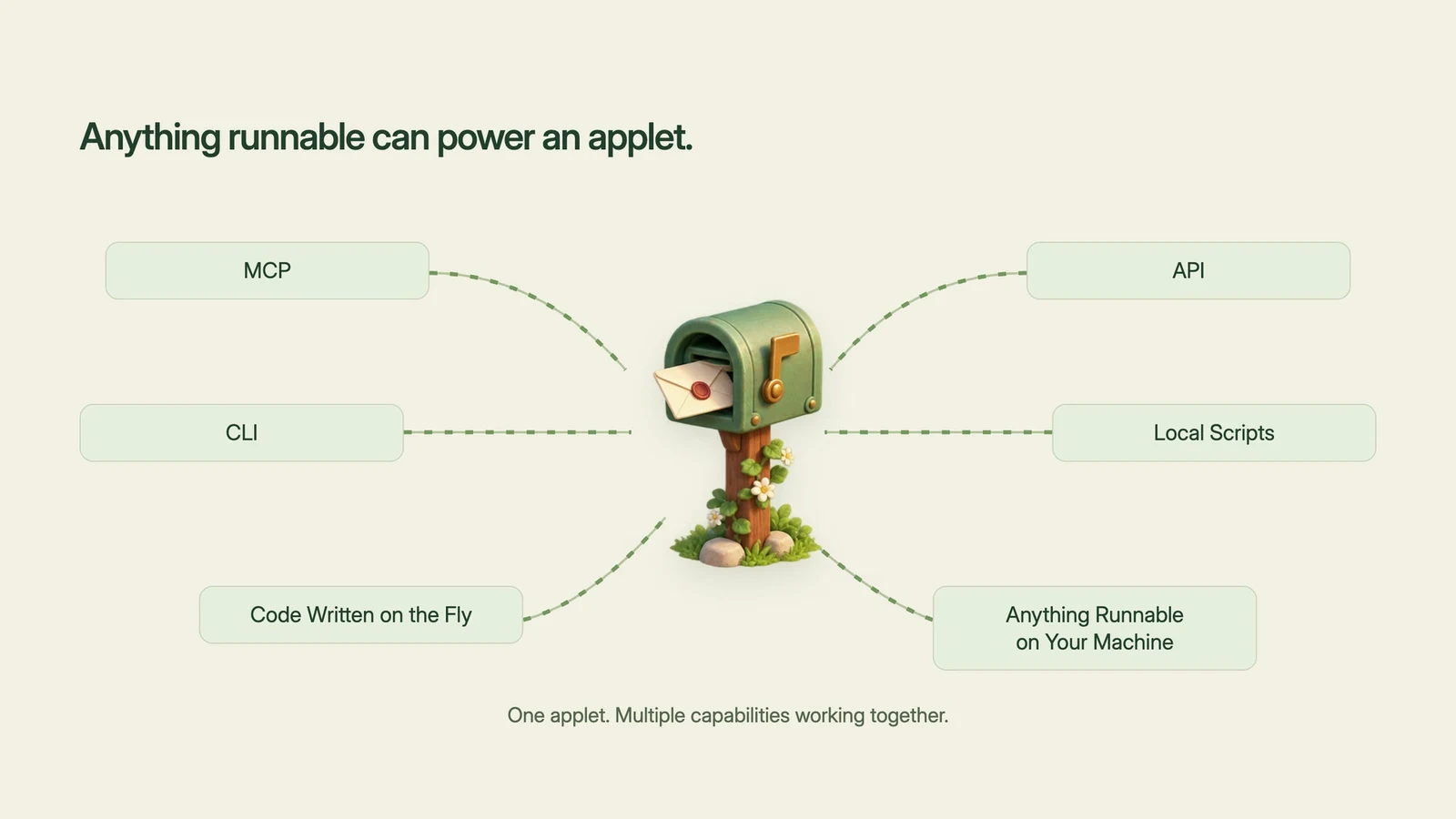
Anything your machine can run or access can power an Applet: MCP, API, CLI, local scripts, or code your companion writes on the fly. Several of these can work together to power a single Applet. What matters is the capability they bring into your world.
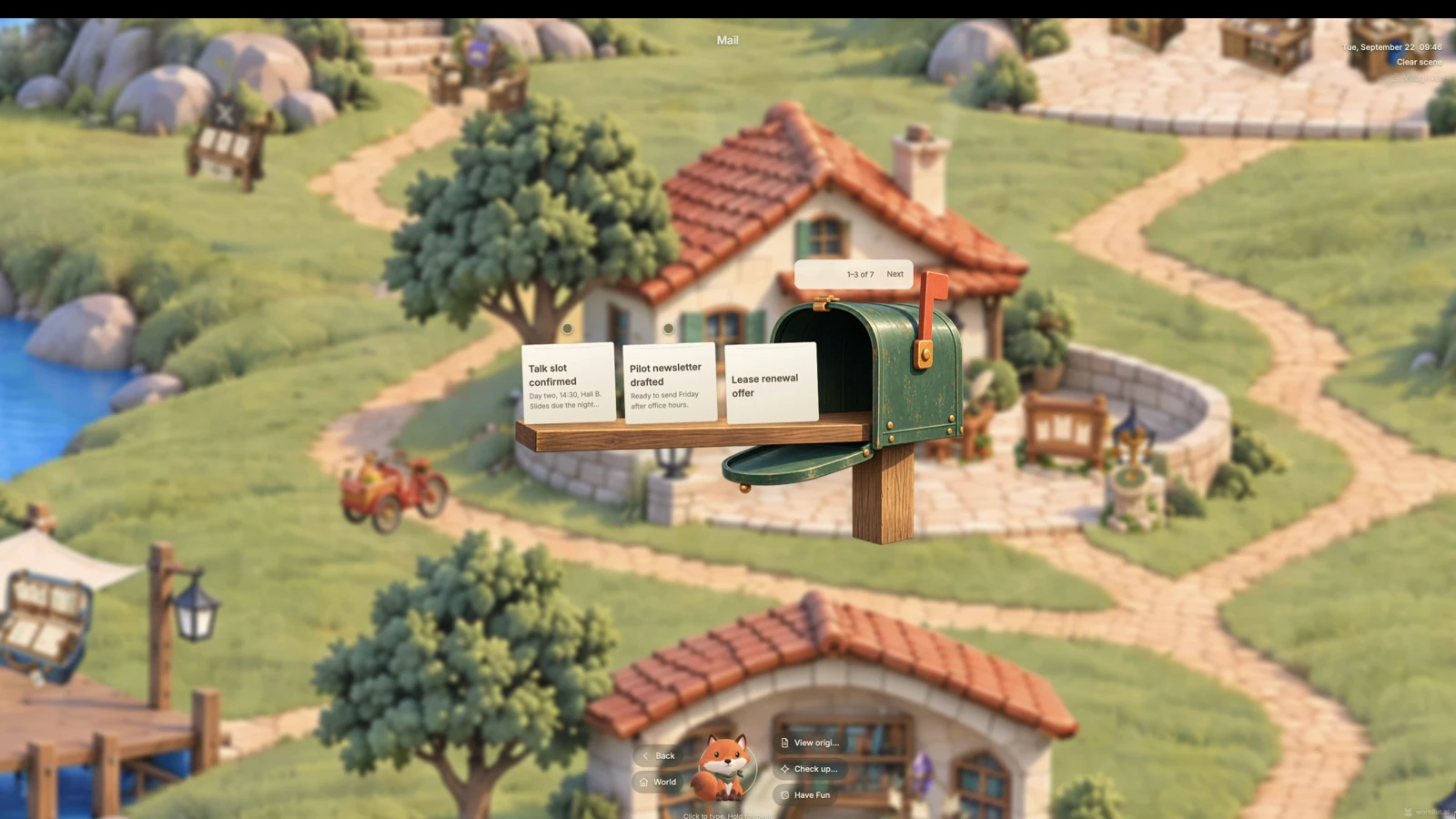
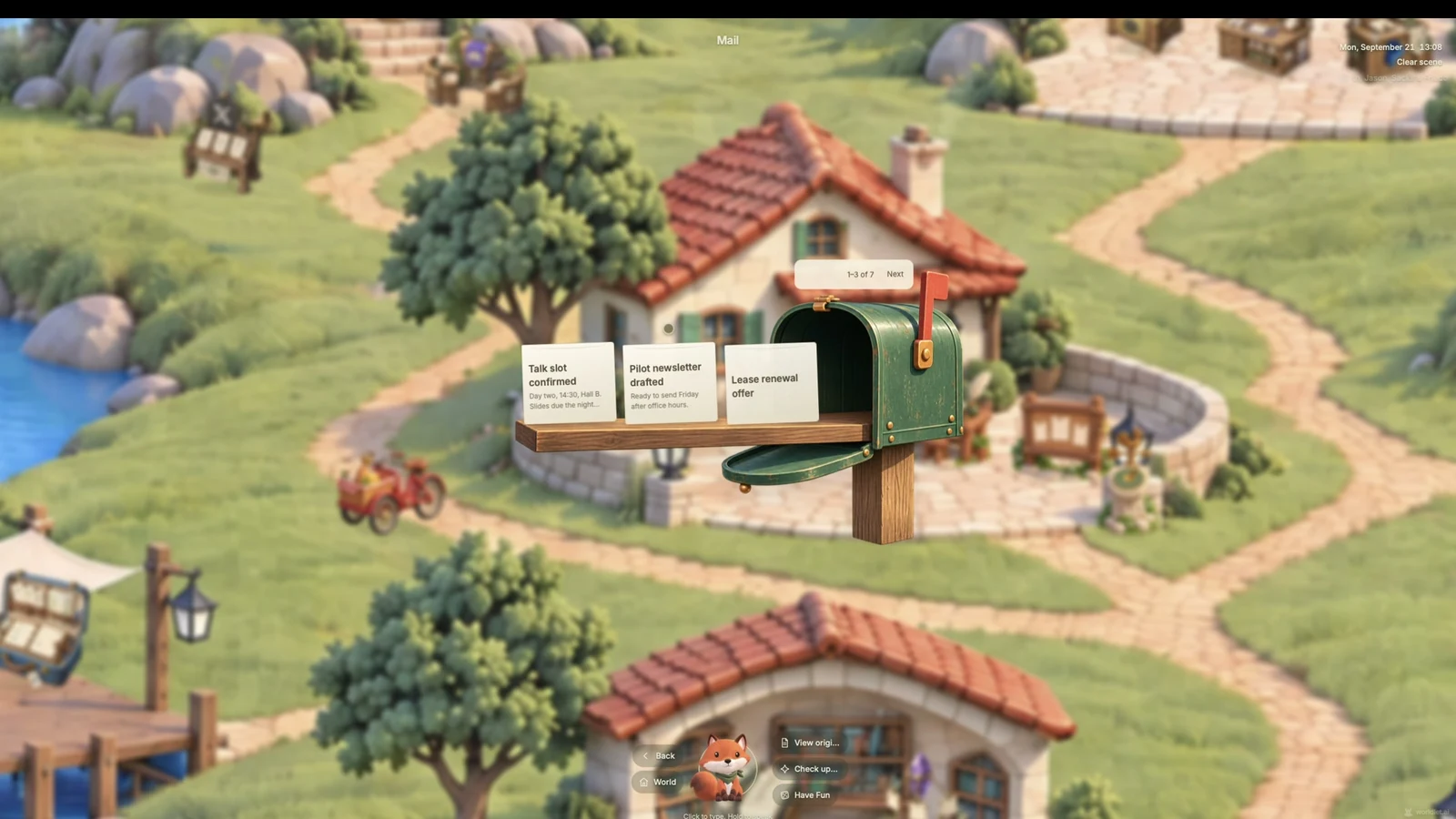
Email is a simple example. Rather than finding and opening the Applet myself, I can ask my companion to check unread messages. The email appears, and selecting Reply lets my companion draft a tailored response. Further changes are just another instruction in the same conversation.
1.2 Zero Friction
Applets are meant to remove the friction around using a tool: no installation, no URLs to memorize. Ask for what you need, let it appear, and customize it into your own version.
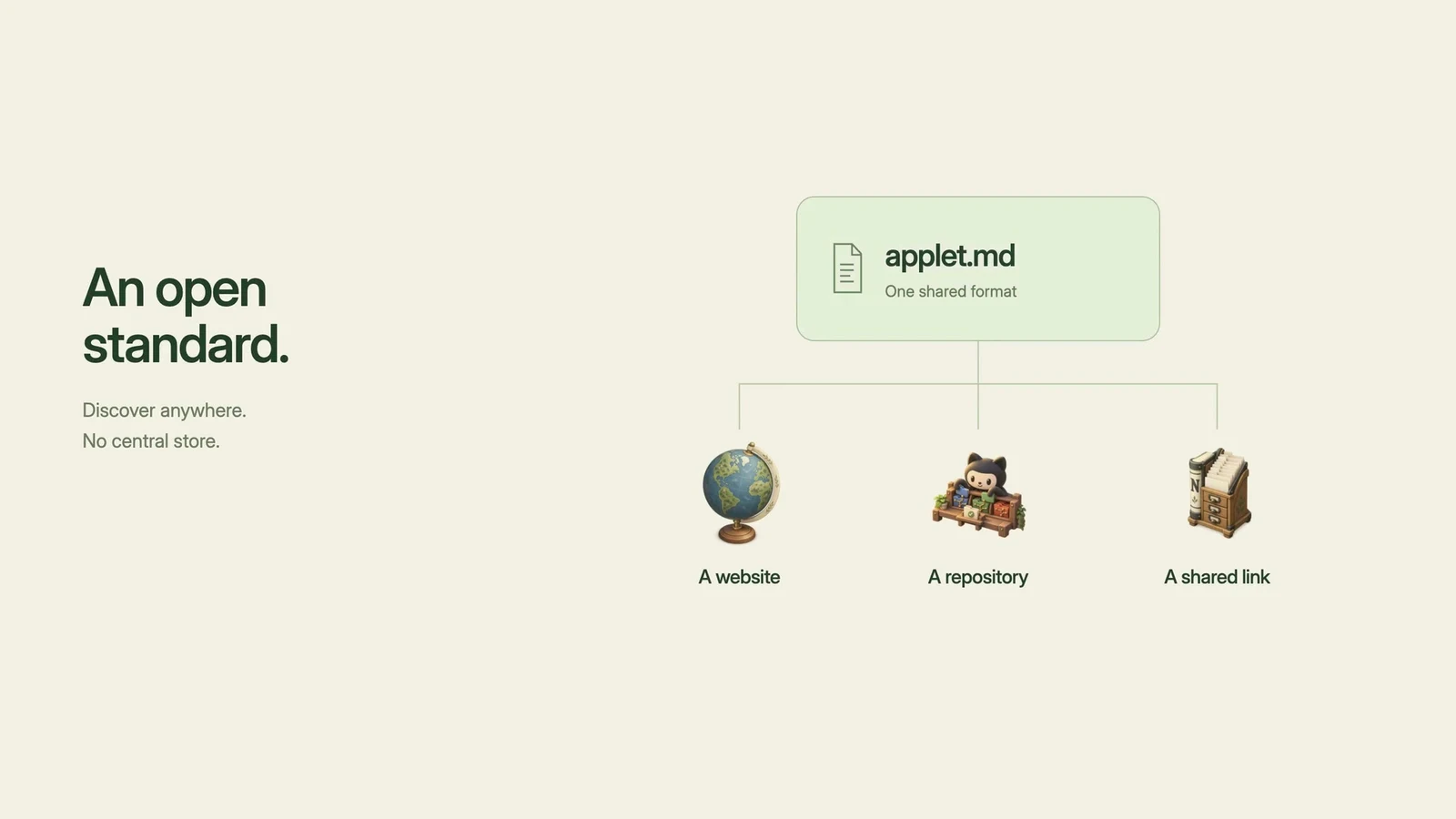
They are based on an open standard. A valid applet.md describes how an Applet works so that a compatible companion can discover and use it. There is no central Applet store or hub. Anyone can create an Applet and share it with a link, much like a website, or keep it private.
Your companion can also build something new. Describe the tool you need, and it can create an Applet for that purpose rather than only searching for an existing one.
I can imagine hundreds of thousands of Applets I could build—and you can too. That does not mean keeping them all around. Applets are disposable: when their job is done, they can quietly fade away while your data stays locally on your device. I believe their numbers will eventually far outnumber both traditional apps and websites.
2. World
Applets become more useful when they share a place and a common context. The world connects individual tools into a continuous experience.
2.1 Cross-Applet
Traditional apps usually work individually. Applets can work together because they inhabit the same world, with a companion carrying context between them.
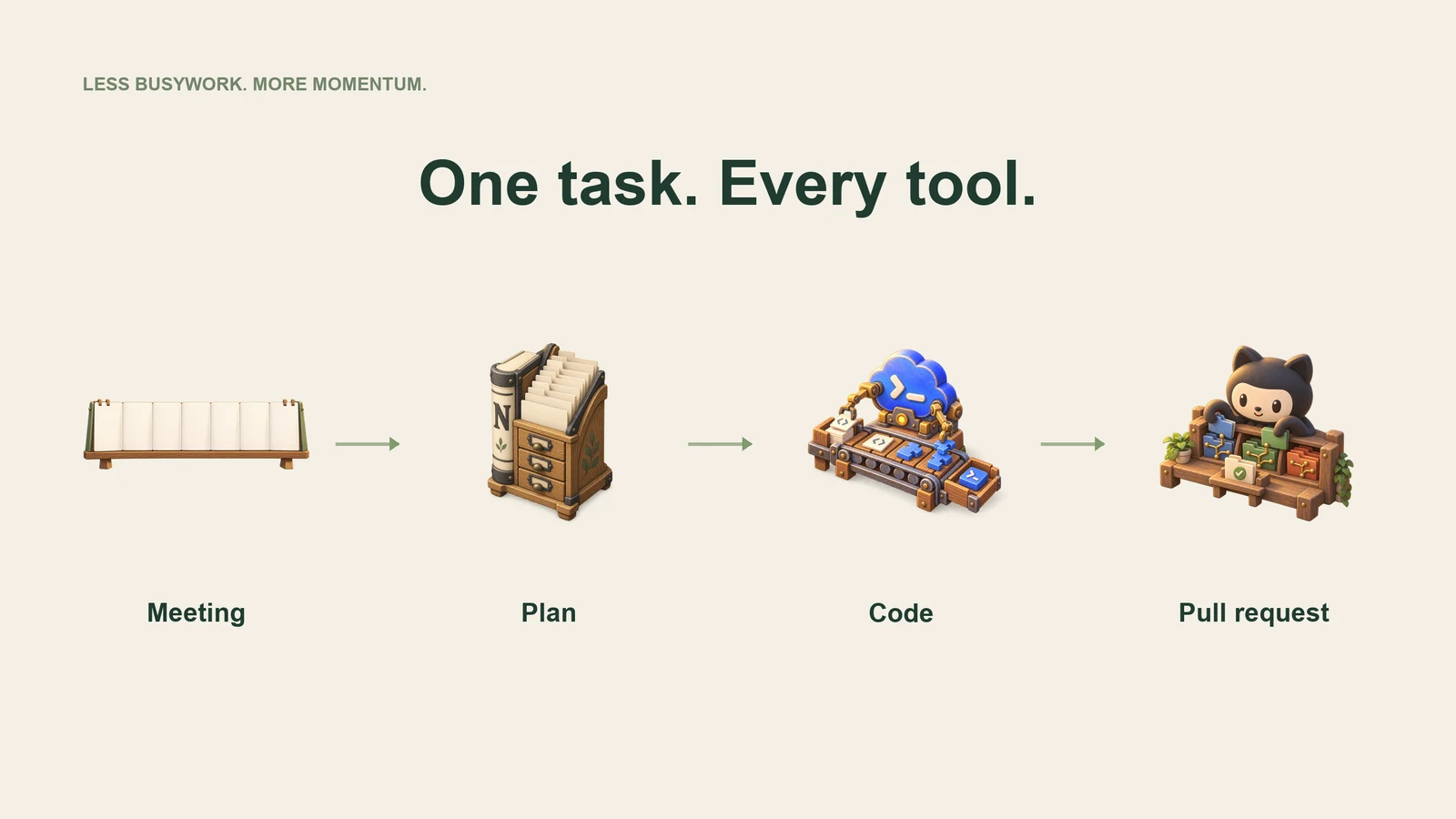
Consider a request to implement the decisions from an engineering design meeting. The companion can pull those decisions from Calendar, turn them into an implementation document in Notion, ask Codex to build it, and open a pull request on GitHub.
That is one intention carried through four tools. The companion keeps you updated as the work moves forward, and the workflow happens in the world without requiring you to open each Applet yourself.
2.2 Spatial Context Switching
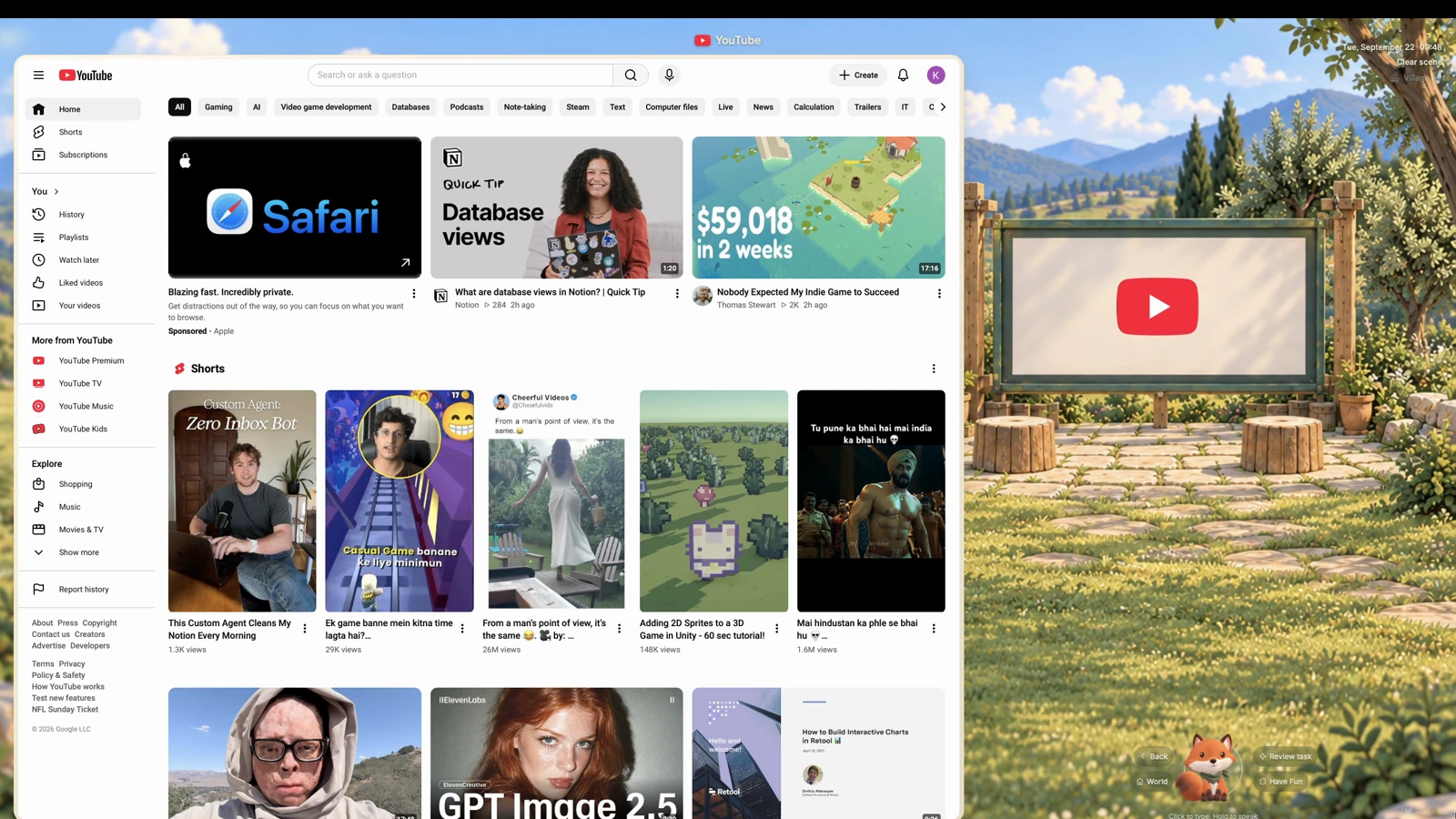
Your companion shares your world and sees what you see. The activity in front of you gives the conversation its context.
While you are checking email, the conversation is about email. Move to YouTube, and your companion follows the video context. Return to the email, and the earlier conversation continues.
I call this spatial context switching. Instead of searching through separate chat sessions, you move between activities and let the conversation follow. It makes changing context feel natural.
2.3 Living Space
Worldlet is digital, but its atmosphere reflects real life. The weather matches your local weather, and the sun follows your local daylight.
You can also shape the sound of the space around your focus and comfort. Ask for white noise, switch to the latest episode of the All-In Podcast, or return to music. If you pause a podcast halfway through, it resumes where you left off the next time you return.
The world is a place to spend time as well as a place to work. Its light, weather, and sound help make that time feel your own.
3. Companion
3.1 One Companion
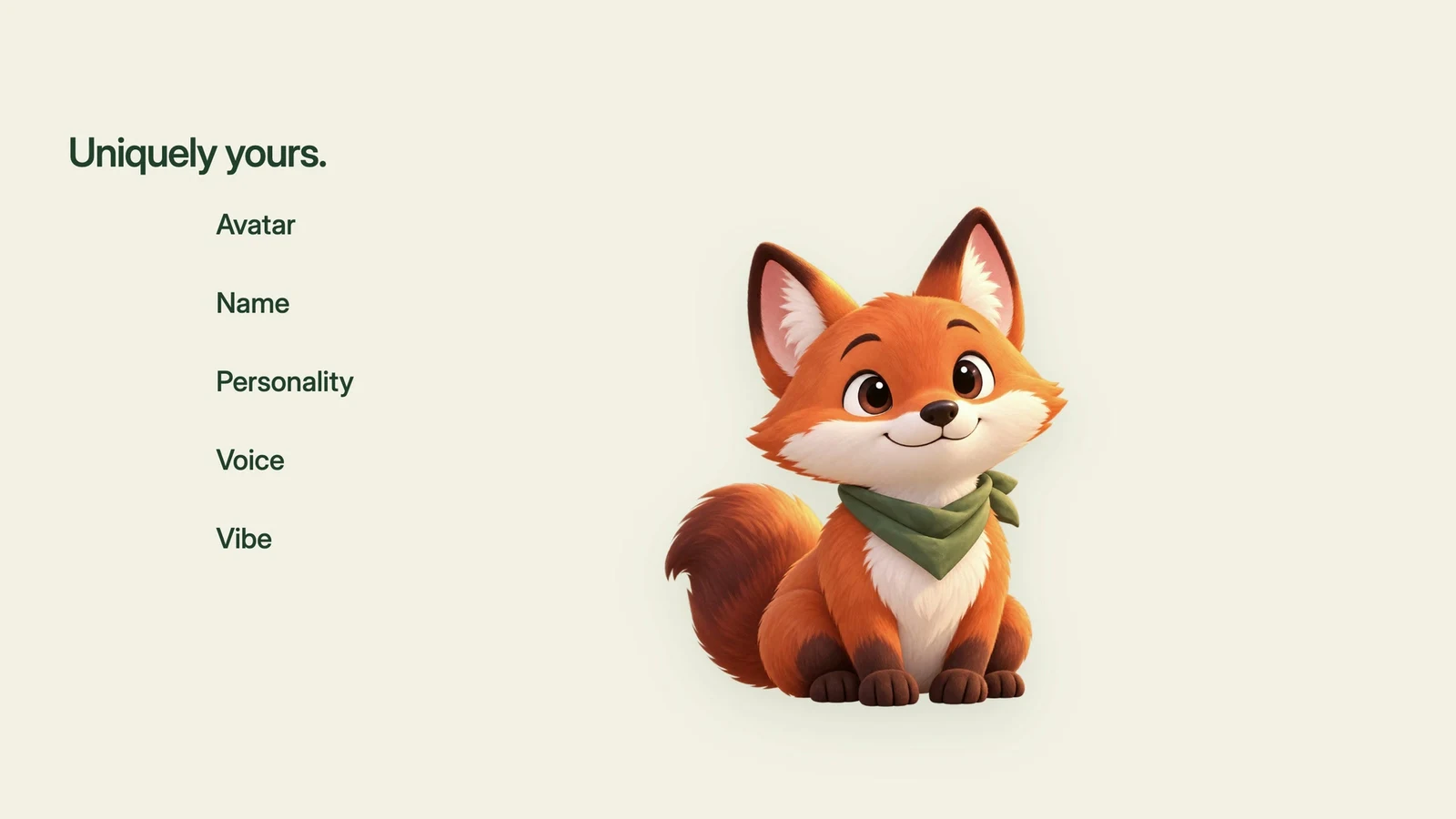
Worldlet gives you one companion to talk to. You do not have to manage ten different agents or remember which one is responsible for a particular task. One companion gets to know you and your world.
Its avatar, name, personality, voice, and vibe are fully customizable. Everyone's companion can be different; mine is a cute fox.
Under the hood, a best-in-class, self-evolving agent harness powers the companion. The more you interact, the better it gets to know you and the more capable it becomes.
3.2 Ambient Memory
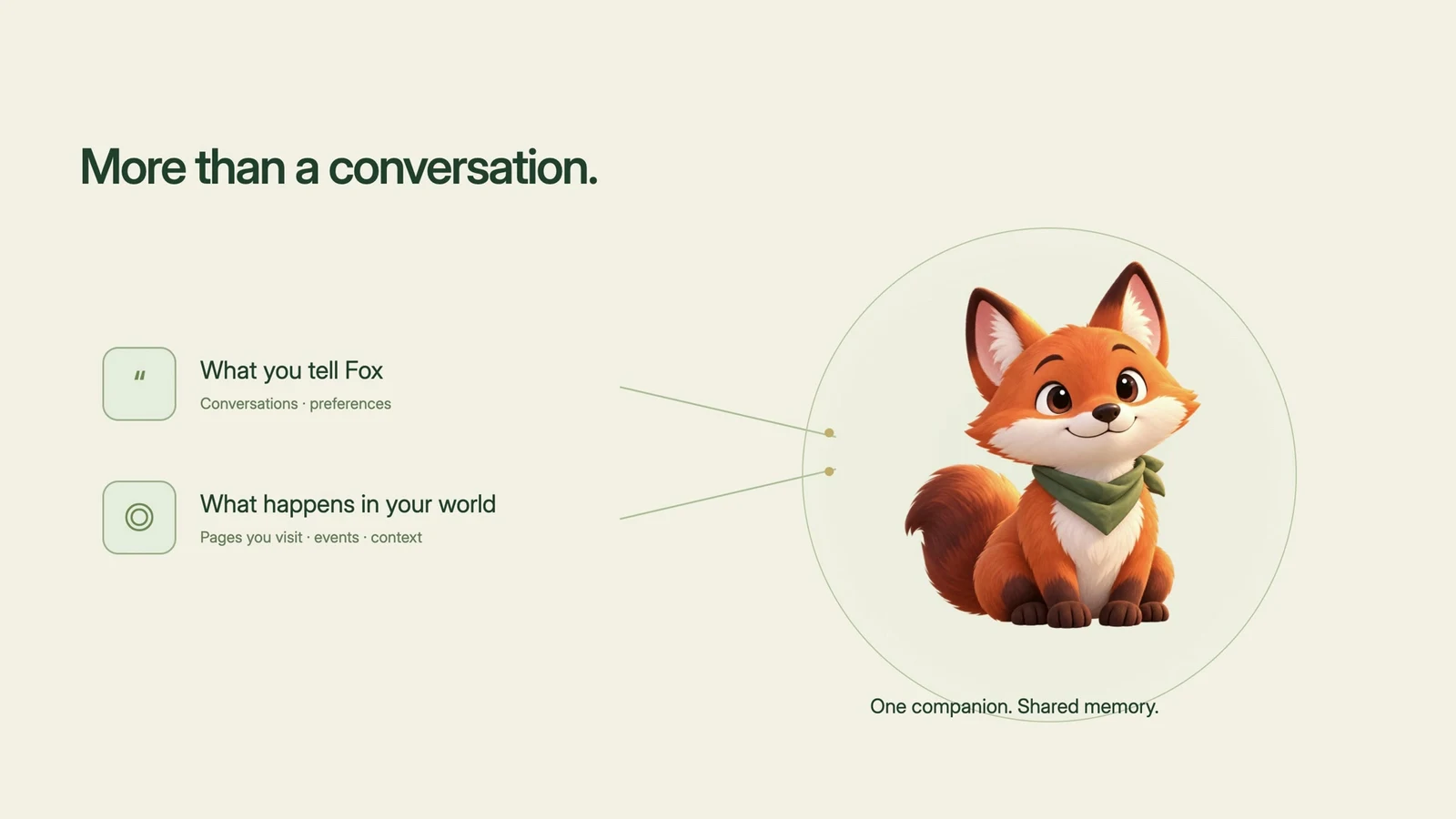
A companion's understanding should include more than what you explicitly tell it. In Worldlet, it also includes what has happened in the world.
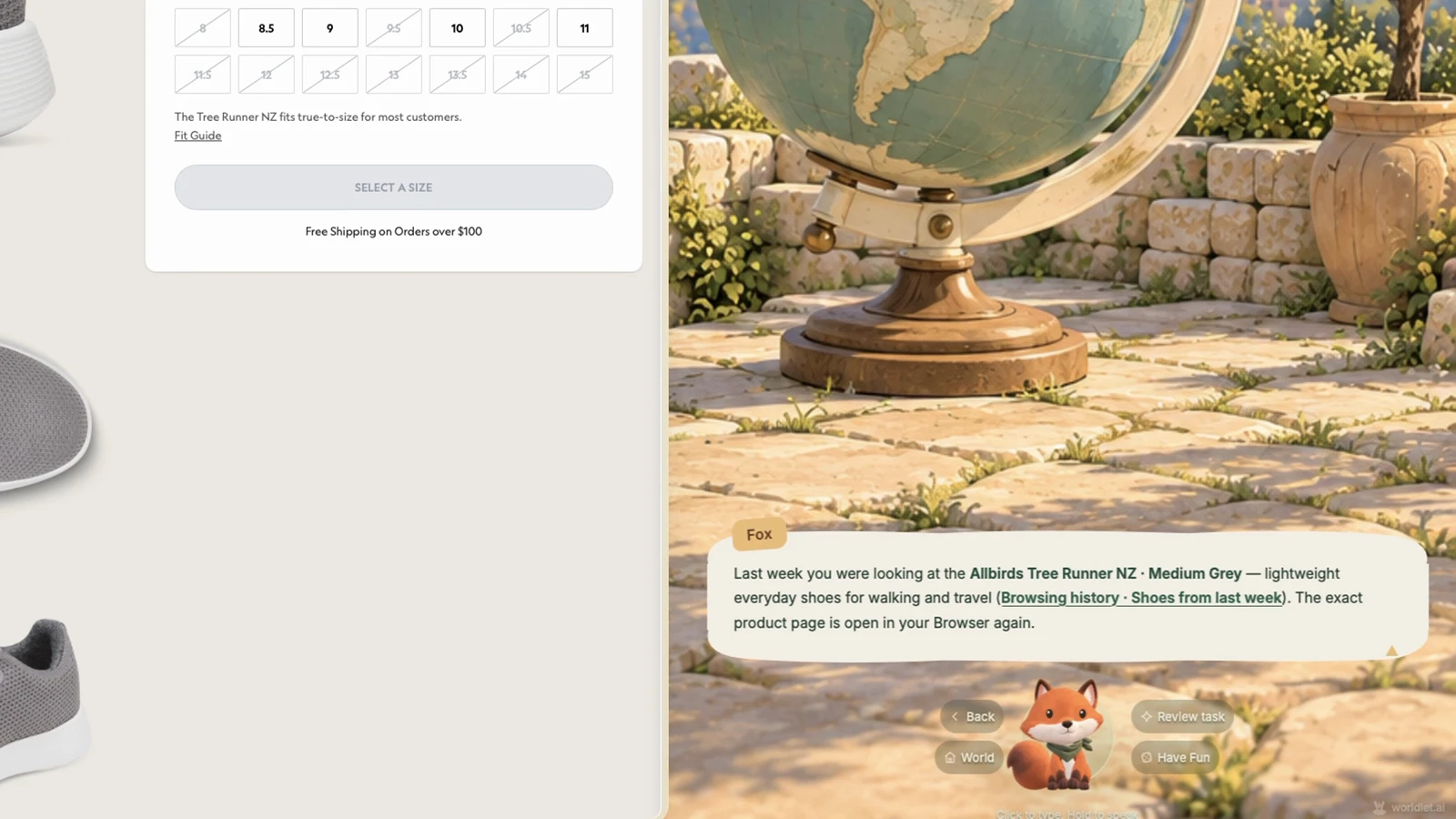
Suppose I browsed shoes last week without mentioning them to my companion. Later, when I cannot remember which pair I liked, I can ask, “Fox, what shoes was I looking at last week?” The companion can look through the world's history and bring back the exact page.
This is ambient memory: the activity of the world becomes part of the context that helps your companion understand and assist you.
3.3 Permanent Relationship
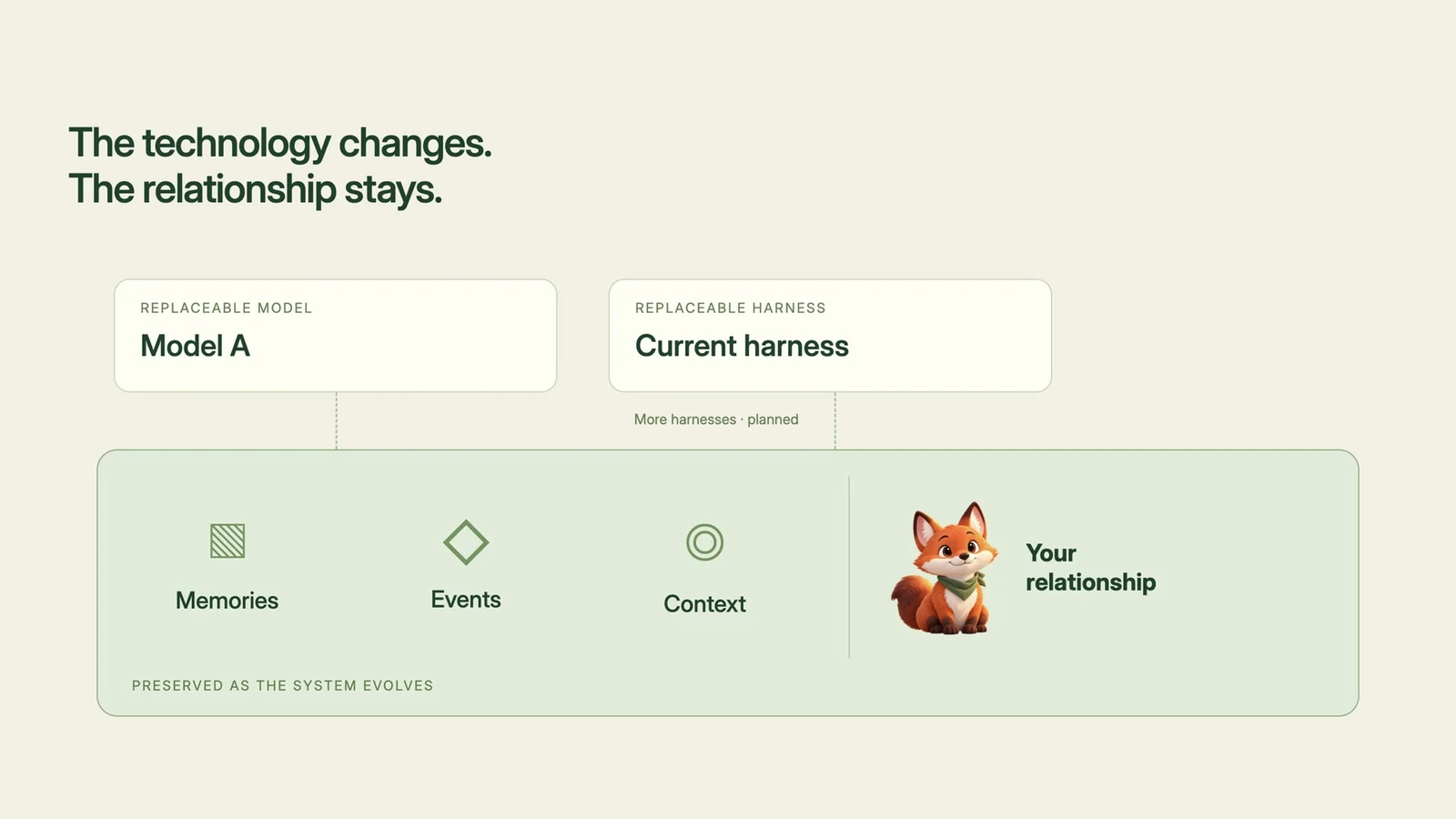
I want the relationship with a companion to last beyond any particular model or agent harness. Worldlet is therefore designed to be model-agnostic and harness-agnostic.
The system described in this walkthrough runs on one harness, with more planned and the ability to bring an existing agent into the world. Models and harnesses will change. The goal is to preserve every memory, event, and piece of context through those changes.
Your relationship with your companion should remain permanent, even as the technology underneath it evolves.
4. Attention Center
4.1 Attention Protection
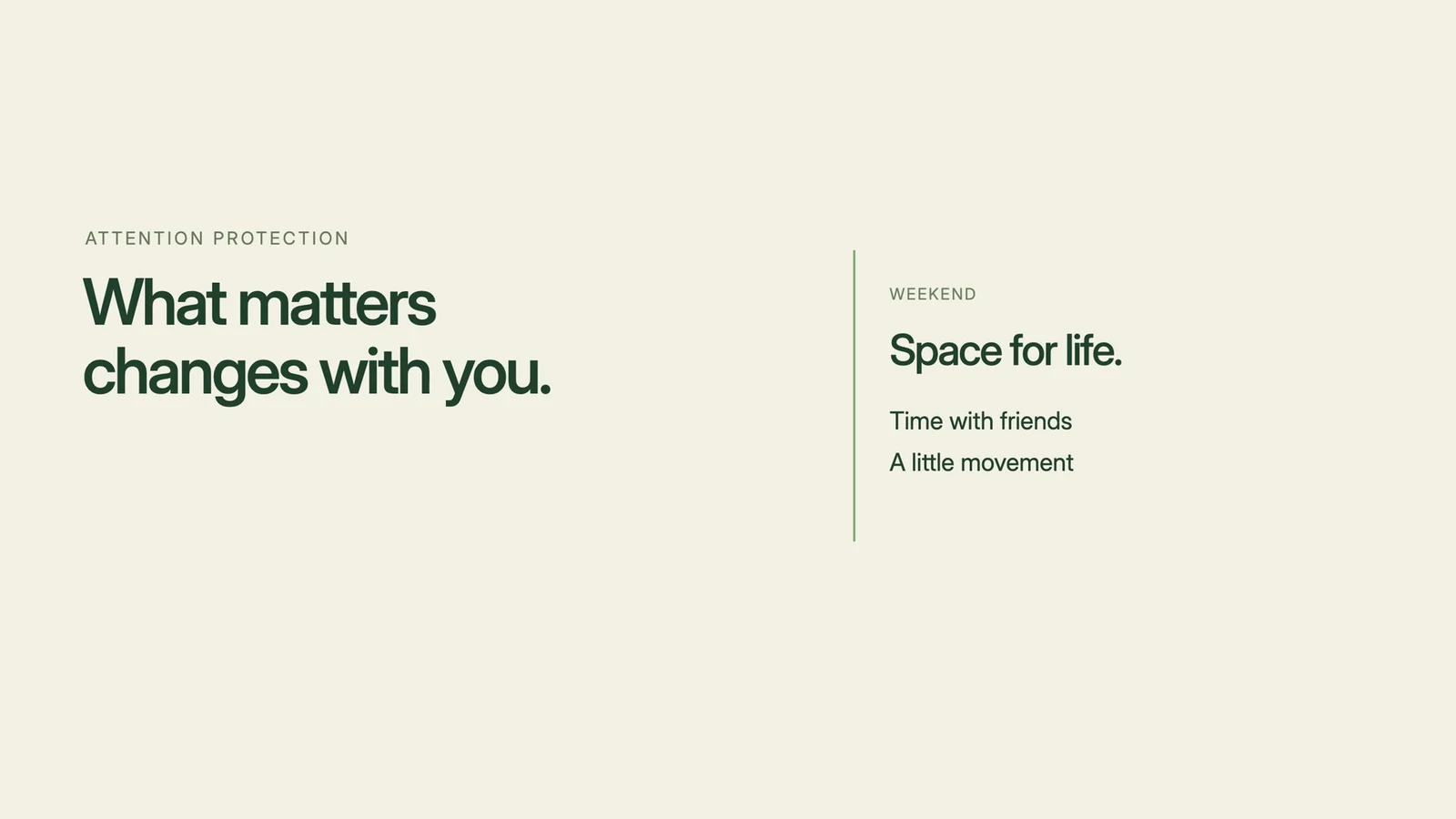
Notification centers—and increasingly, inboxes—can become places where every business competes for our attention. Worldlet's Attention Center is built around the opposite purpose: protecting attention and interrupting as little as possible.
Because your companion has context across the world, it can evaluate what is happening and surface only the few things that really need you. That selection adapts with your day: work may matter more in the morning, while family and personal life take priority over the weekend.
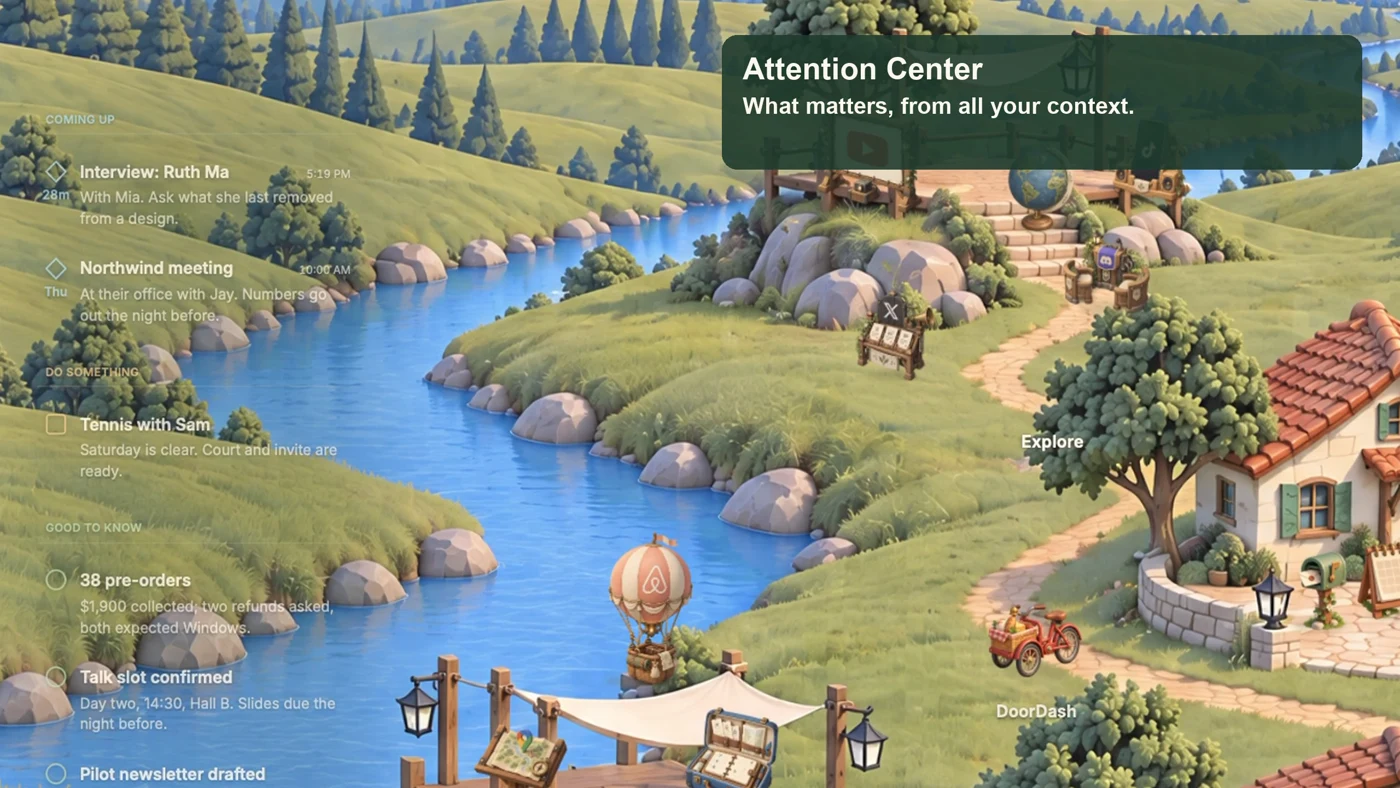
The result is organized into three buckets:
- Coming Up: upcoming events with an exact date.
- Do Something: actionable items your companion thinks you may want to finish.
- Good to Know: quick FYI and useful information.
These categories turn a stream of interruptions into a smaller set of things worth noticing.
4.2 Context Synergy
Looking across the whole world also lets your companion connect information that would otherwise remain separate. I call this context synergy.
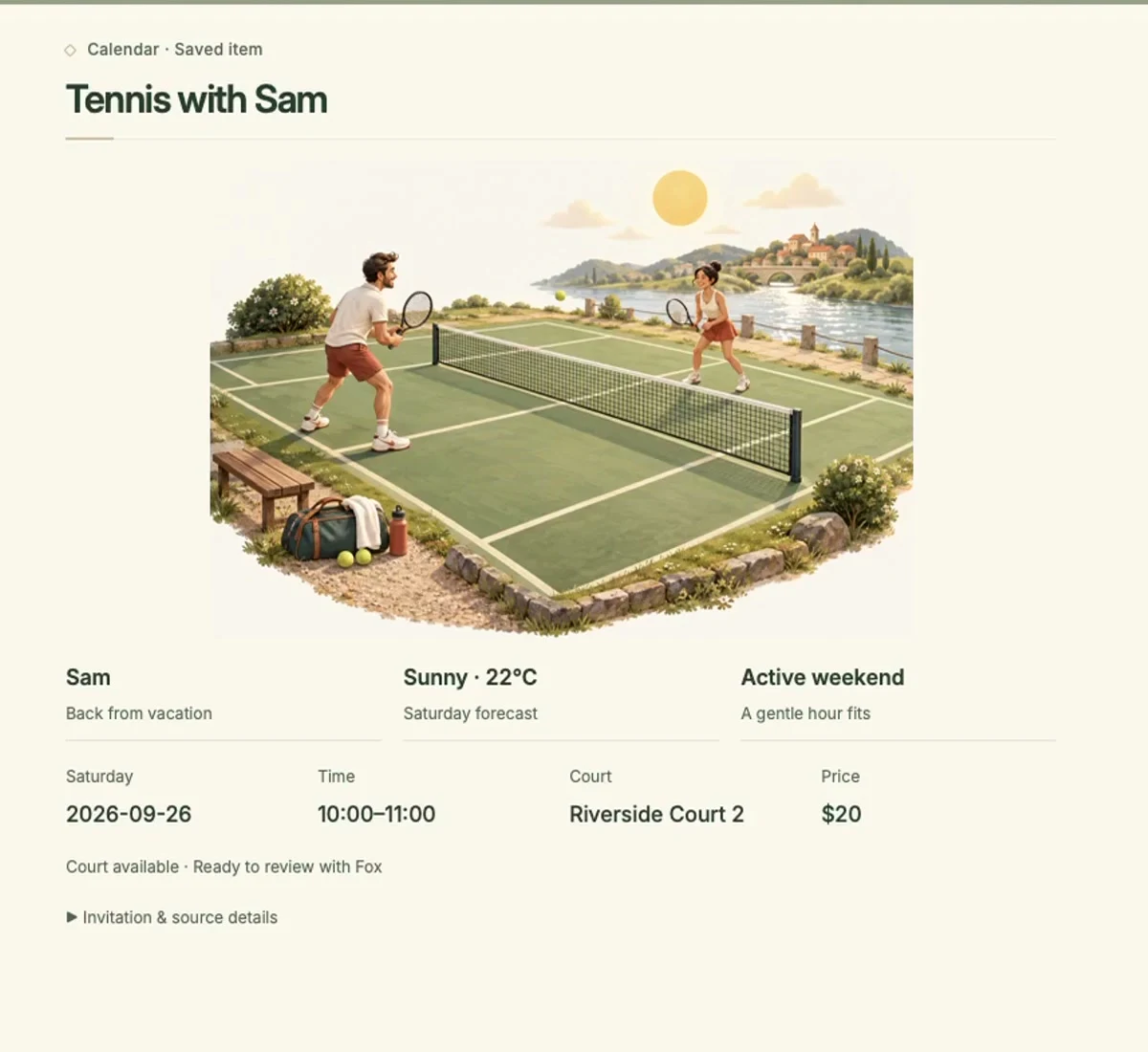
The walkthrough's “Play tennis with Sam” example combines several details: Sam's email says he is back from vacation; my health plan calls for staying active on weekends; Saturday's forecast looks good; and the tennis court has an available slot.
Together, these details suggest a useful plan: play tennis with Sam. I can confirm the suggestion and have my companion coordinate and book the court, instead of gathering the information across several apps myself.
This is the kind of everyday help I want from AI—connecting the pieces, making a practical suggestion, and reducing the anxiety of keeping track of everything.
5. Vision
Worldlet is still early. Three ideas guide where I want it to go.
5.1 Personal & Open
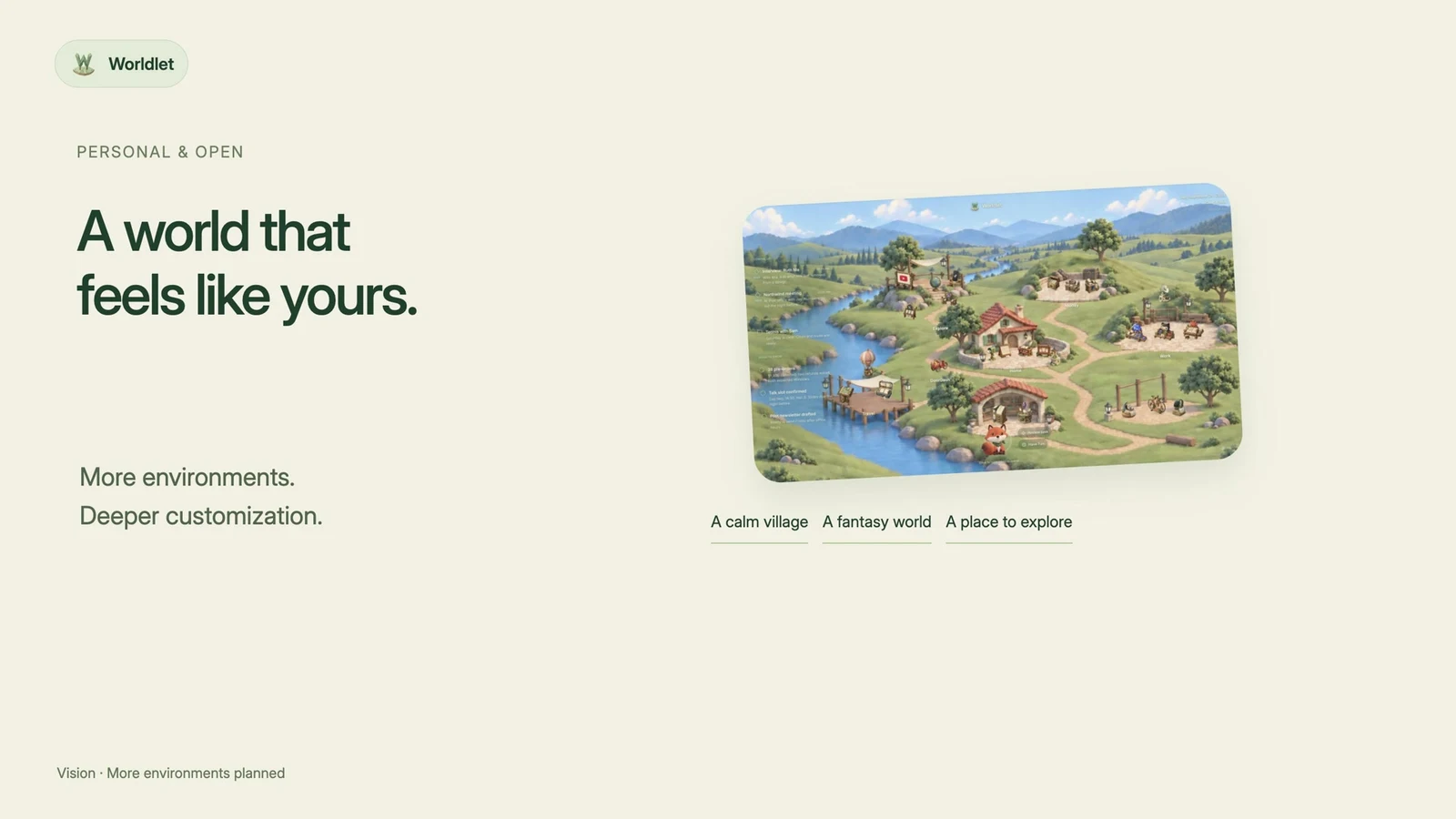
I believe everyone will have a personal world in the AI era. Mine is a calm little village, but another person's world might draw on Hogwarts, World of Warcraft, or Disneyland, if copyright allows.
I plan to add more environments to choose from. Deeper customization should be something you can ask your companion to build on top of the world, so you can fully customize Worldlet into a place of your own.
5.2 Context Sovereignty
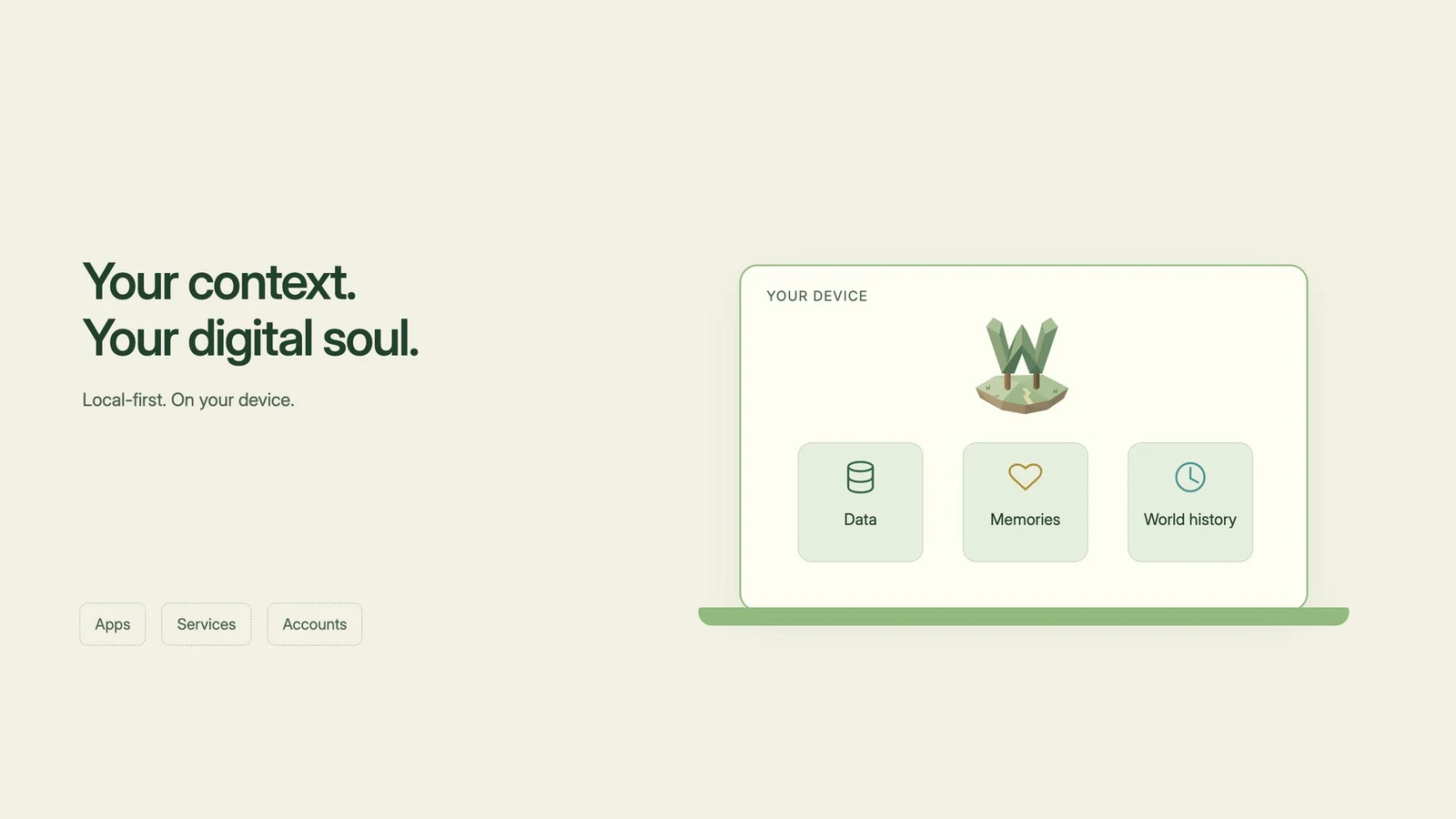
Worldlet is built local-first, with privacy at the center of its vision. In the AI era, our personal context will be more than data: it will become something like a digital soul. Our memories, preferences, and history should not be scattered across services or locked inside one company.
That is why Worldlet keeps data, memories, and world history locally on your device. On your own computer, you should never have to sign in or sign up to enter your world. If an outside service wants to help, it should sign in to your world instead.
Cloud models are still necessary because on-device models are not yet where I need them to be. My goal is to strip personal information before it leaves the world—not only for cloud models, but for any third-party service. Our digital soul should remain protected.
5.3 WUI (World UI)
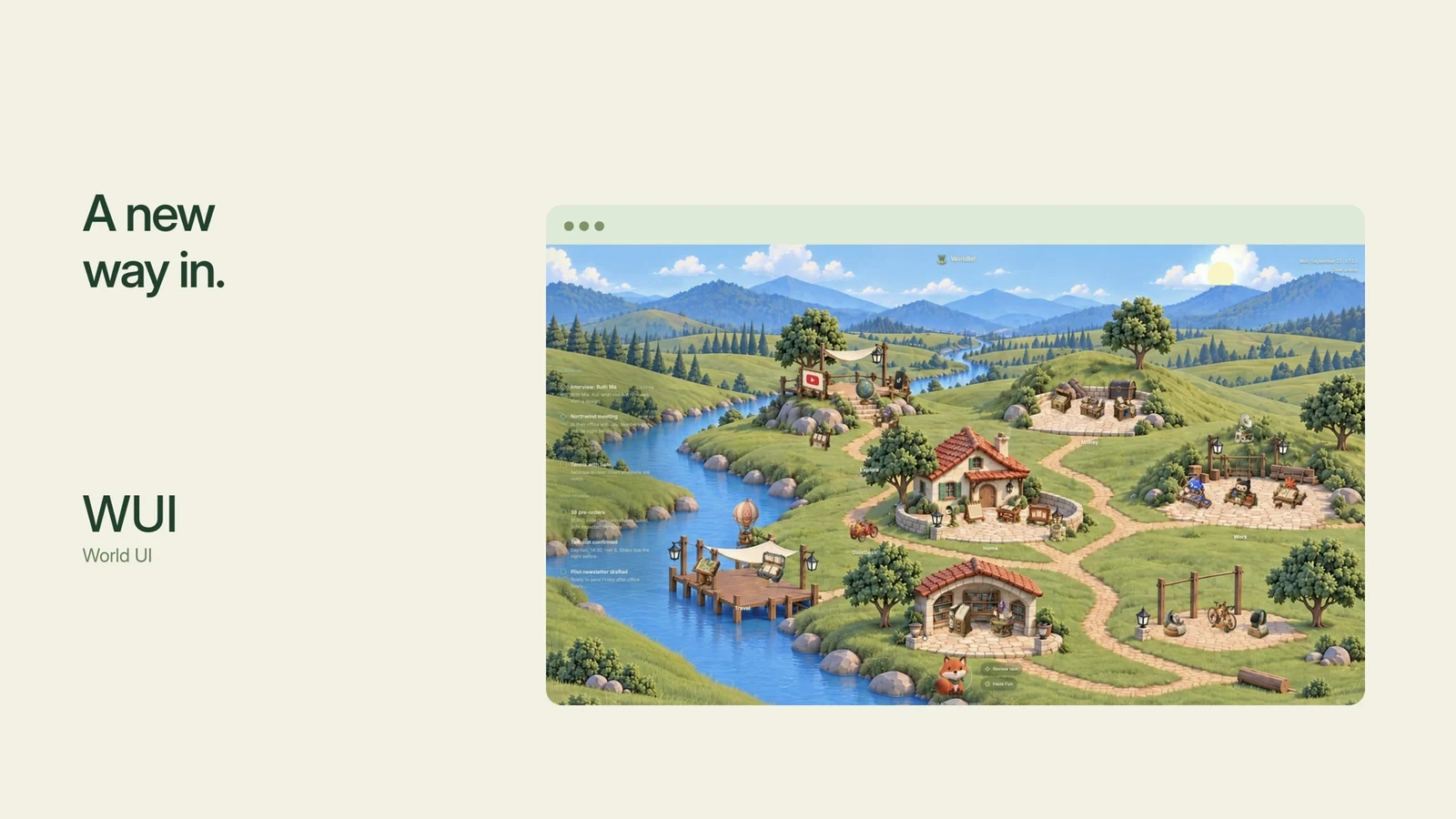
AI capabilities have advanced dramatically, but our interfaces still feel a generation behind. Computing once moved from TUI (Text-based UI) to GUI (Graphical UI). I believe another transition is possible: WUI (World UI).
If the web browser was a window to the internet, World UI could become the front door to the AI era. Tools, context, and a companion would share a place where people can live and work together with AI.
What excites me most is the possibility of lowering the barrier to participation. Just as graphical interfaces made computers accessible to more people, World UI could help many more people benefit from AI and the technologies that follow.
See you in the world
Worldlet began as a world for my companion and me. I would love to see what you make of it.
Visit worldlet.ai to download Worldlet and try it for yourself. I'd love to hear what you think.
See you in the world.